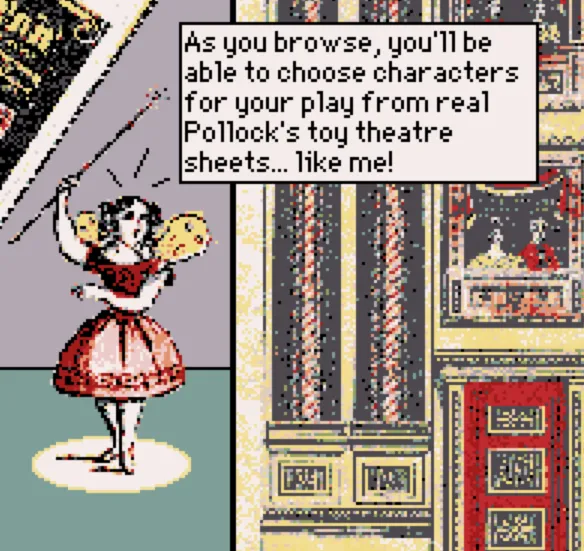
First playable deck!
Link to a playable early draft of the Tiny Toy Theatre Imagination Kit
I'm not surprised that I've failed to keep a rigorous schedule for these production journal posts -- despite having completed a few digital projects at this point, process writing is still not a practice that comes easily to me. Still, an effort is better than nothing, and this blog's experiment is certainly an improvement from my previous attempts at documenting my creative practices. I'll keep stretching the muscles, I suppose.
Despite the radio silence, I've accomplished quite a lot on the Tiny Toy Theatre Imagination Kit since my last post, and, out of interest in getting everything on the page I'm going to avoid waxing overlong on any particular item.
1. (This is the big one) - I've figured out how to implement pasting draggable characters across cards in Decker!
This is ultimately the biggest success of the past few weeks, as it's the one mechanic that philosophically underpins the whole project. If the point is to give players a sense of making their own material choices as they assemble and arrange their toy theatre, getting to drag their little dudes around into the places they desire is absolutely key. And now it works!
For anyone that has even some passing competence with Decker, this process likely seems like an easy one to resolve, but I'm proud of myself for continuing to bonk my head against Decker's syntax for writing and implementing functions until I worked it out. I was correct, in my last post, that the Puppeteer Decker module was actually doing too much for the simple functionality that I needed.
As I build cards that display character selection options, each character is a discrete canvas on the page with a transparent background, which looks like this in Decker's editing mode:
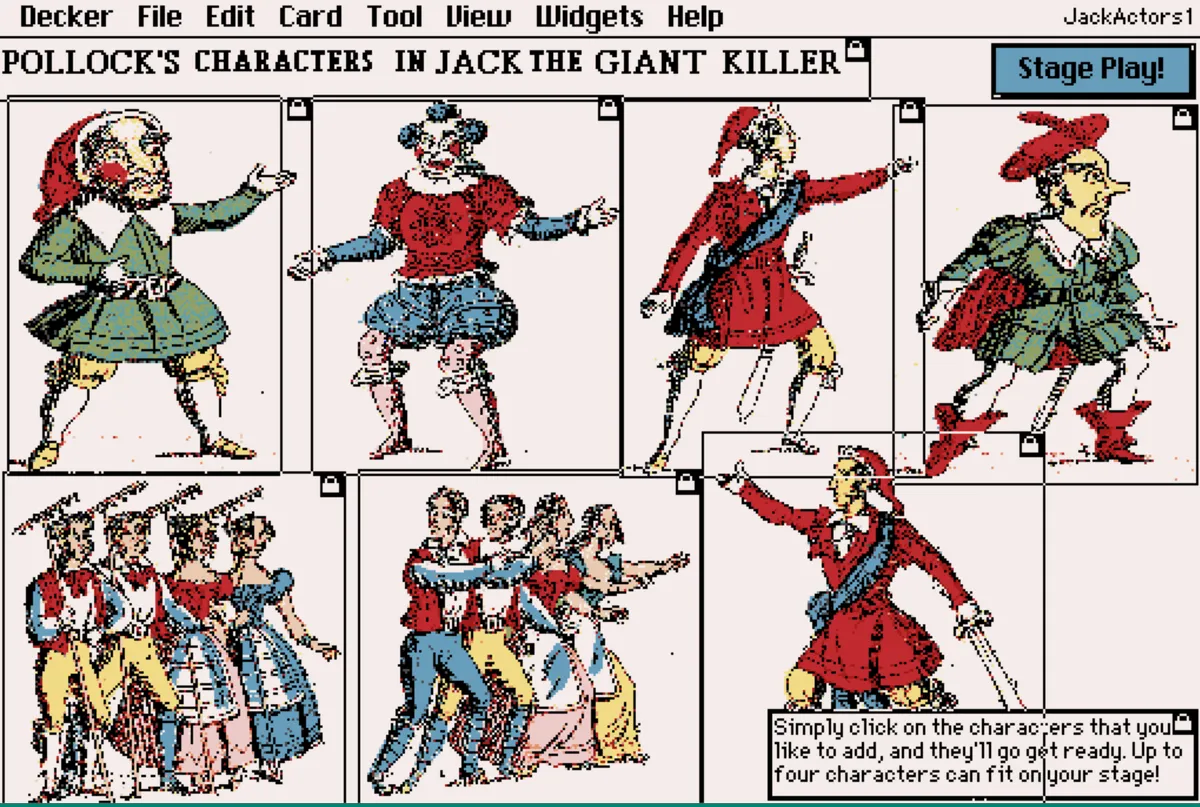
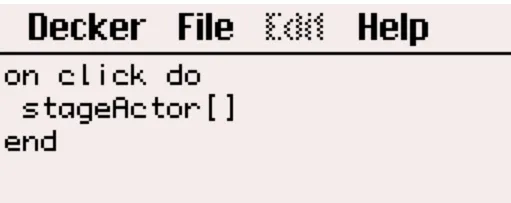
Each one of these canvases contains a Lil script that, when it's clicked by the player, executes my "StageActor[]" function.
StageActor[], in turn, is defined in the deck-wide script. It tracks how many characters have already been added to the scene in order to prevent overwriting the player's first choices. It also calls on additional functions that copy the clicked character canvases into blank canvases on the FinalScene card, which are preemptively set up to be draggable with transparent backgrounds. It also caps the number of selectable characters at 4, which prevents users from unwittingly overwhelming their stages with extra characters (and displays a little alert when a player hits that cap).
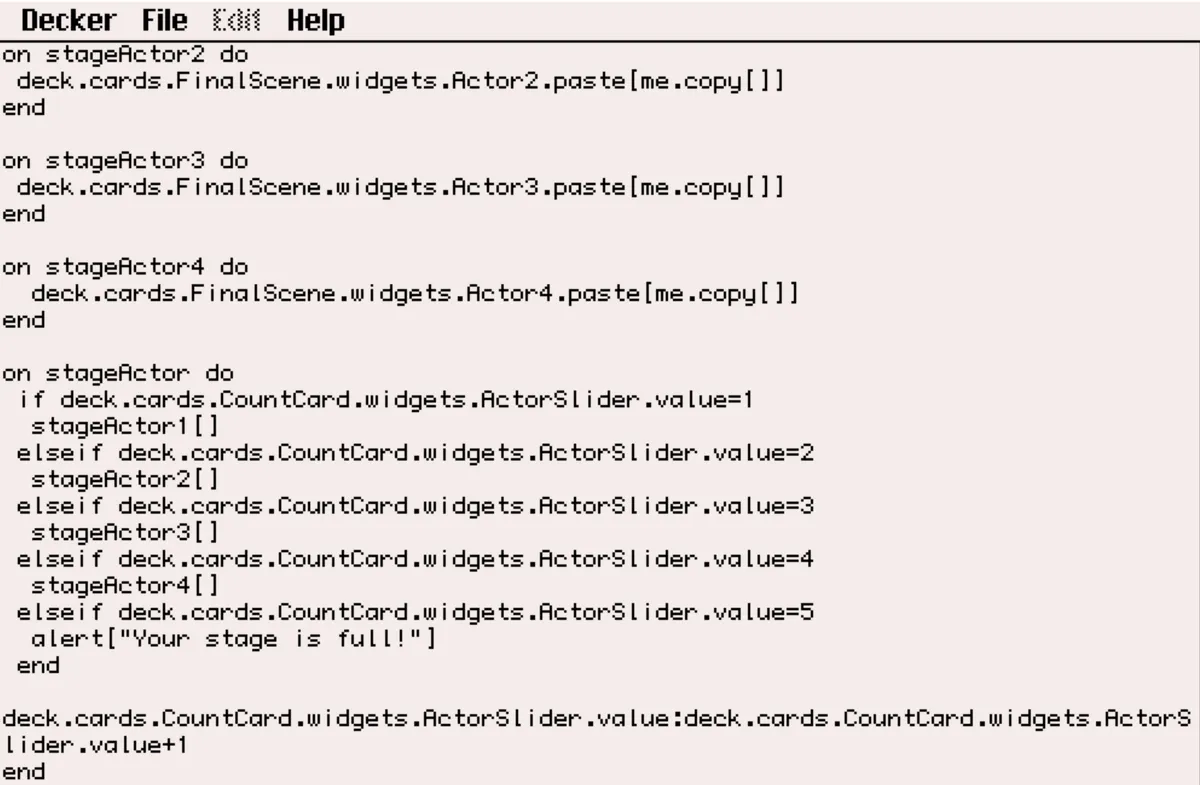
I was overjoyed when this all finally started working together -- it really feels like it's the mechanical linchpin of this whole piece.
2. Saving player's creative efforts
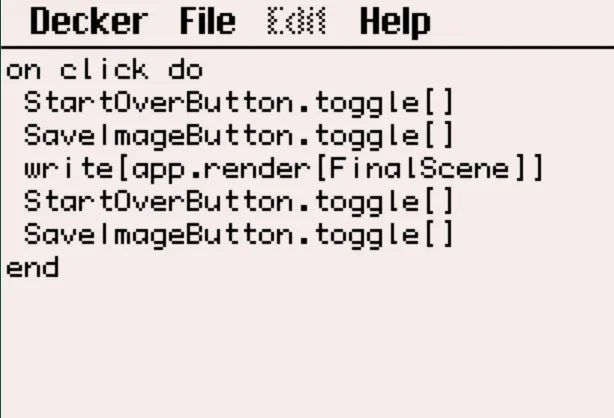
I now have a button that allows players to save an image of their finished toy theatre diorama to their local computer. This takes advantage of Decker's built-in app.render[] function, which stores a screenshot of a particular card or widget as an image, as well as write[], which saves elements of a deck to a user's local machine. On the FinalScene card, I've added a button that reads "Save image," which then calls the following Lil functions if clicked. Those functions temporarily render the "Start over" and "Save image" buttons invisible before prompting the user to save their finished product.
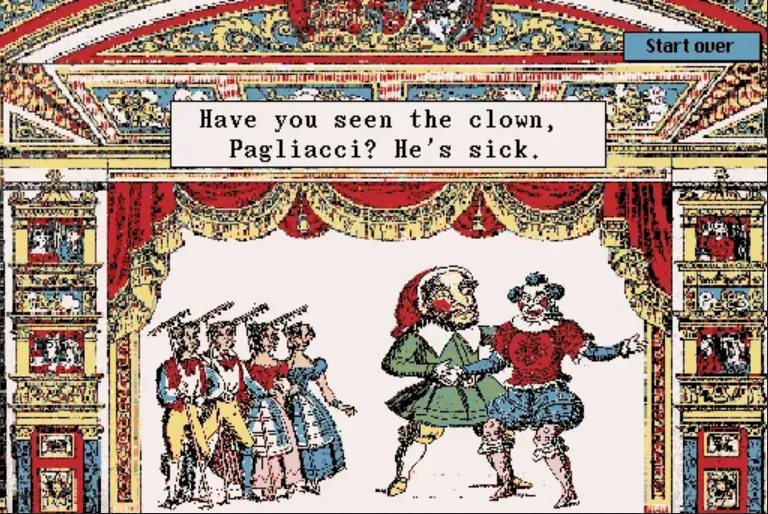
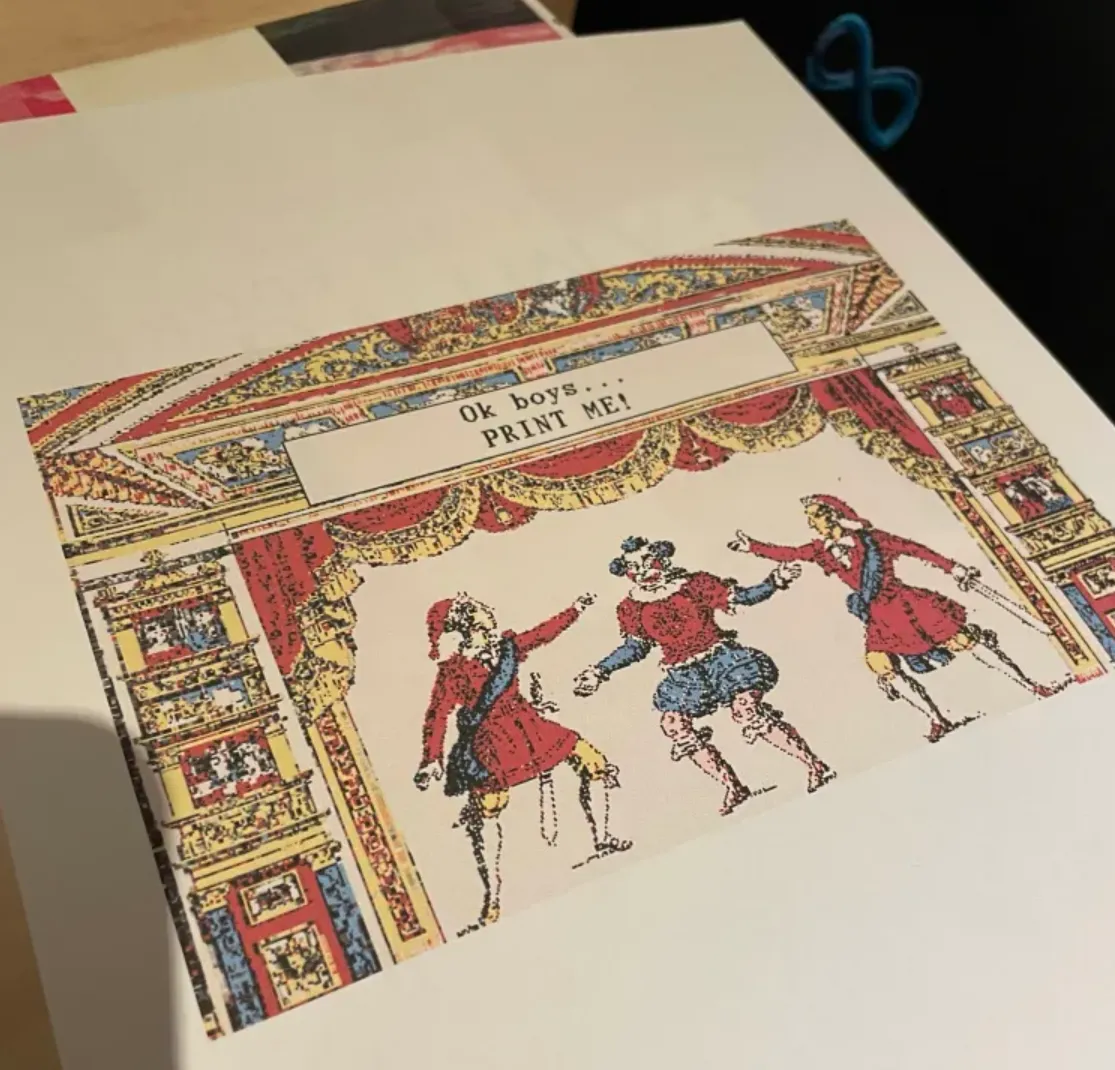
The result is that players can generate images like this, which also make use of a player-editable text box to create dialogue of their choice. The ultimate goal is that, when showing this piece off in person, I'll be able to quickly hook up to a printer and print players off a little memento of their diorama to take home.
3. Built-in introduction and credits
Framing this project for new users is also important to me--especially those unfamiliar to toy theatres. I've added a project description and credits page to the start of the deck, as shown below. I'd still like to tweak the language and presentation of both pages, especially to add more density and specificity to my credits/thanks page, but it's a good start.
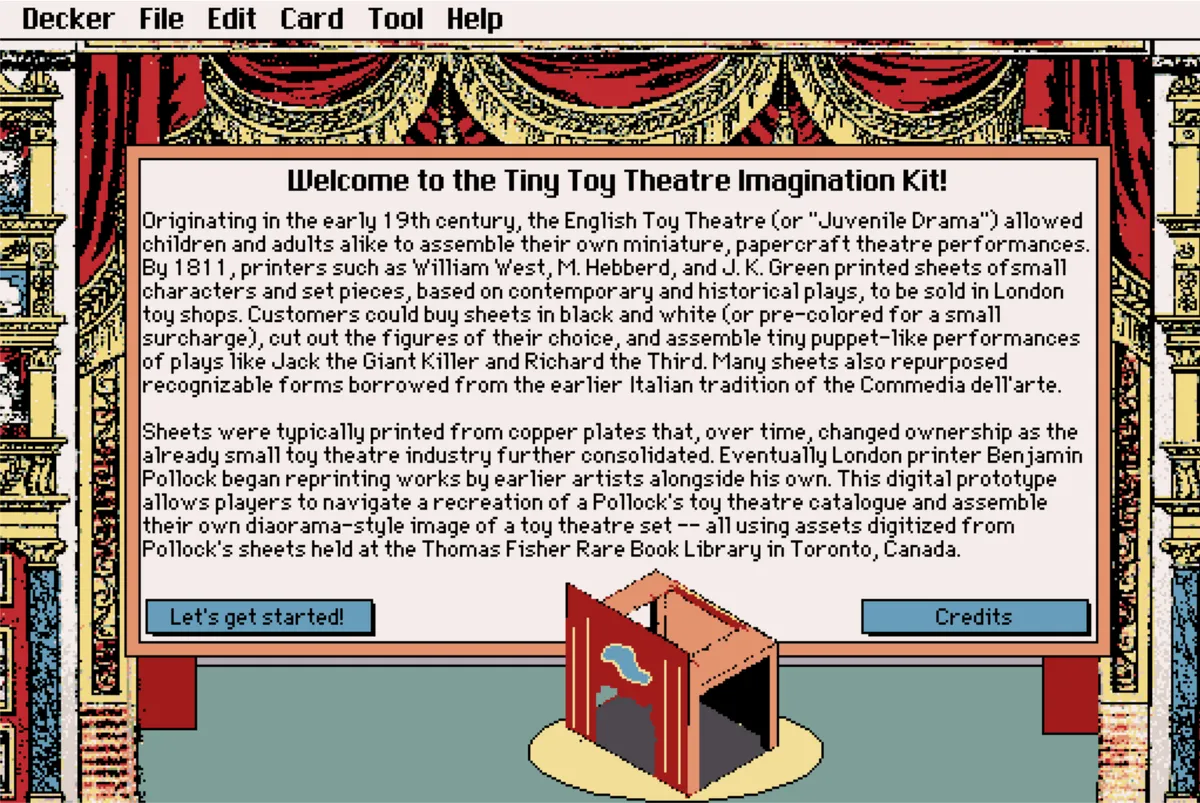
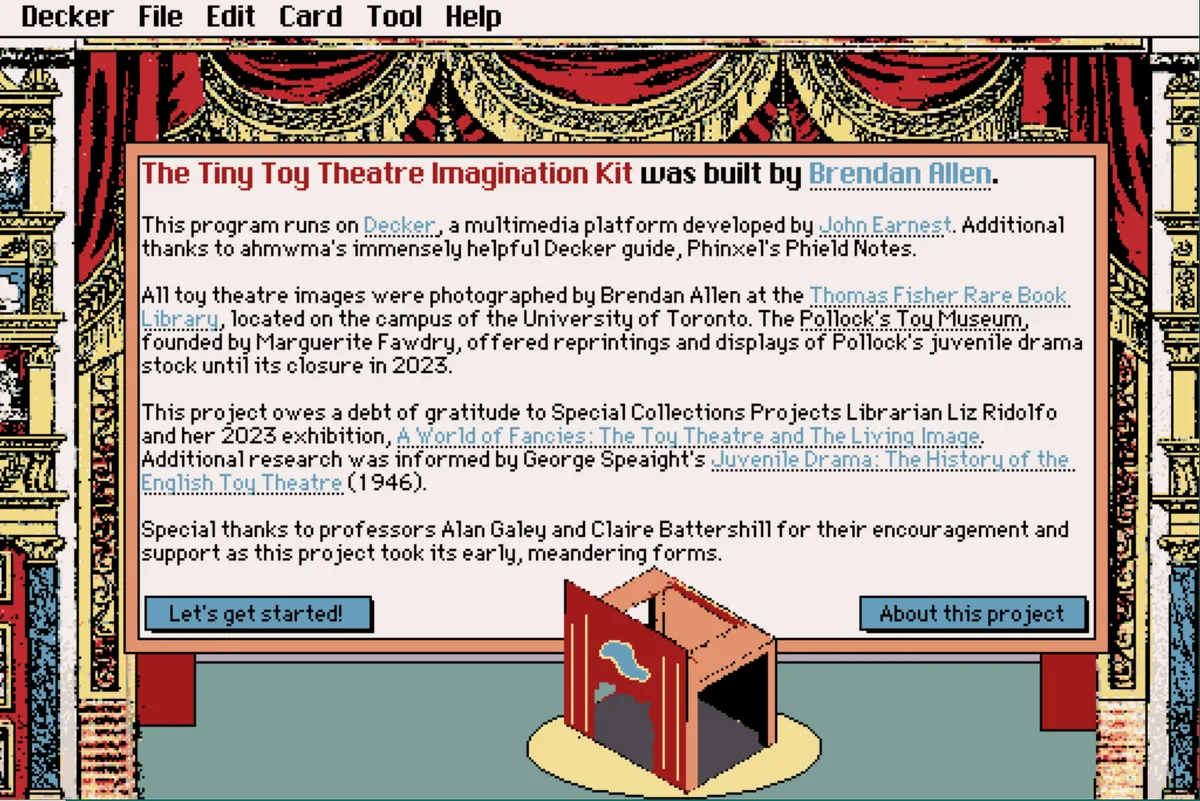
At this point, a full play-through of The Tiny Toy Theatre Imagination Kit is now possible! There's still plenty to do, of course. In the short term, I'd like to make some more design tweaks and improvements (such as fixing small image errors that occur when the Decker toolbar is removed). In the longer term (i.e., when I finally have more time later this summer), here's what's on the list:
- Add many more plays and character sheets to the mix, to give players many more options for their theatres.
- Implement a backdrop system in order to make use of the original Pollock's backdrops.
- Implement a dialogue generator that pulls actual lines of dialogue from the playscripts of Pollock's plays.
- Clean up various visuals and tweak the overall color palette to feel a bit more vibrant and less dependent on primary colors.
- A cleaner embedded tooltip system.
- Music?
- Animation?
- More appearances of the tutorial fairy, who I love very much?