To Puppeteer or Not To Puppeteer...
The newest roadblock that I find myself bonking my head against for the Tiny Toy Theatre Project is perhaps one of the most frustrating, as it feels like the whole project hinges upon figuring this bit out. I envision the completed toy theatre deck as having two primary stages: First, the player navigates hypermedia-enabled versions of a Pollock's Toy Theatre catalogue in order to pick the various assets of their own production: the theatre set, the actors, stage and set dressing, etc. Here's a quick side-by-side of a page from the original catalogue and my in-progress Decker version:
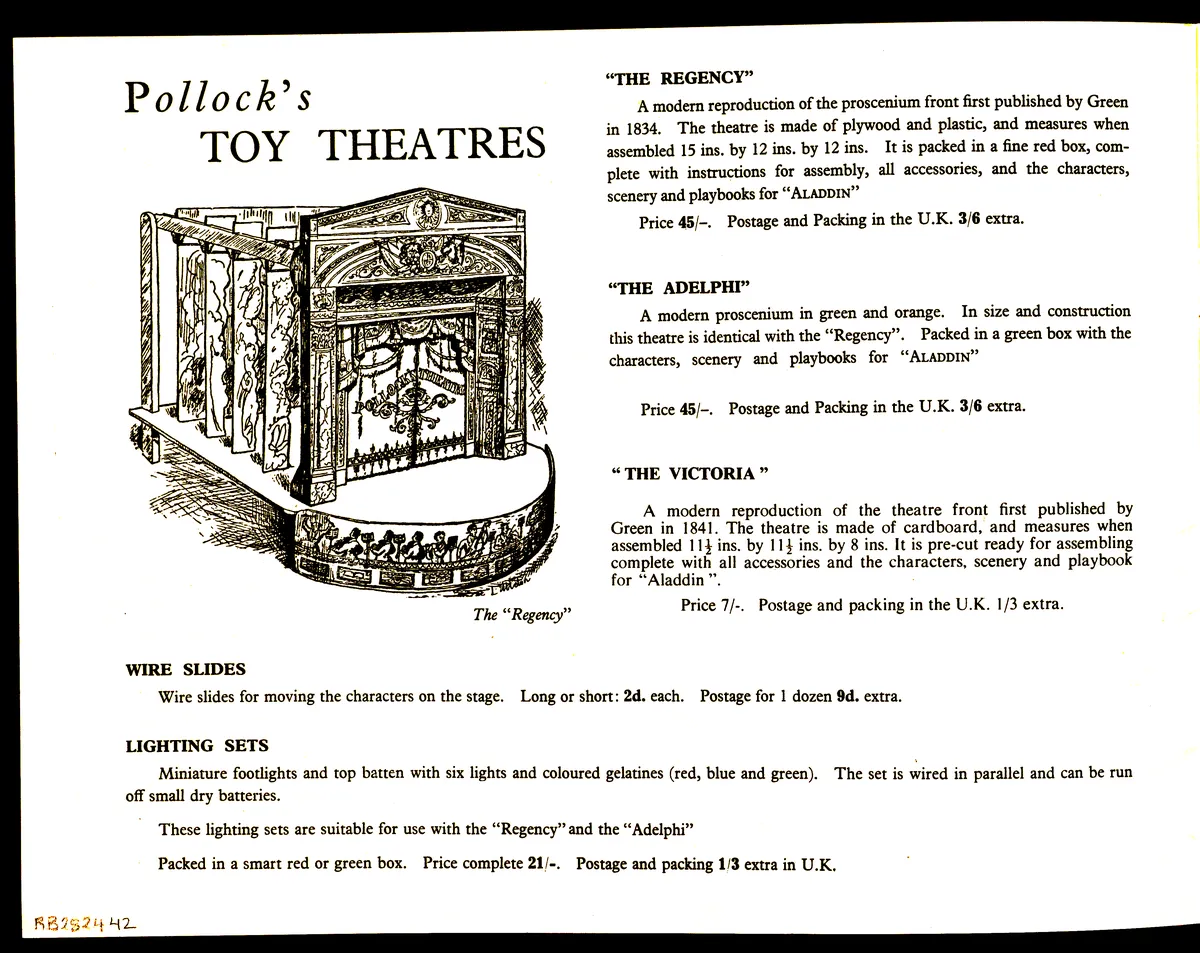
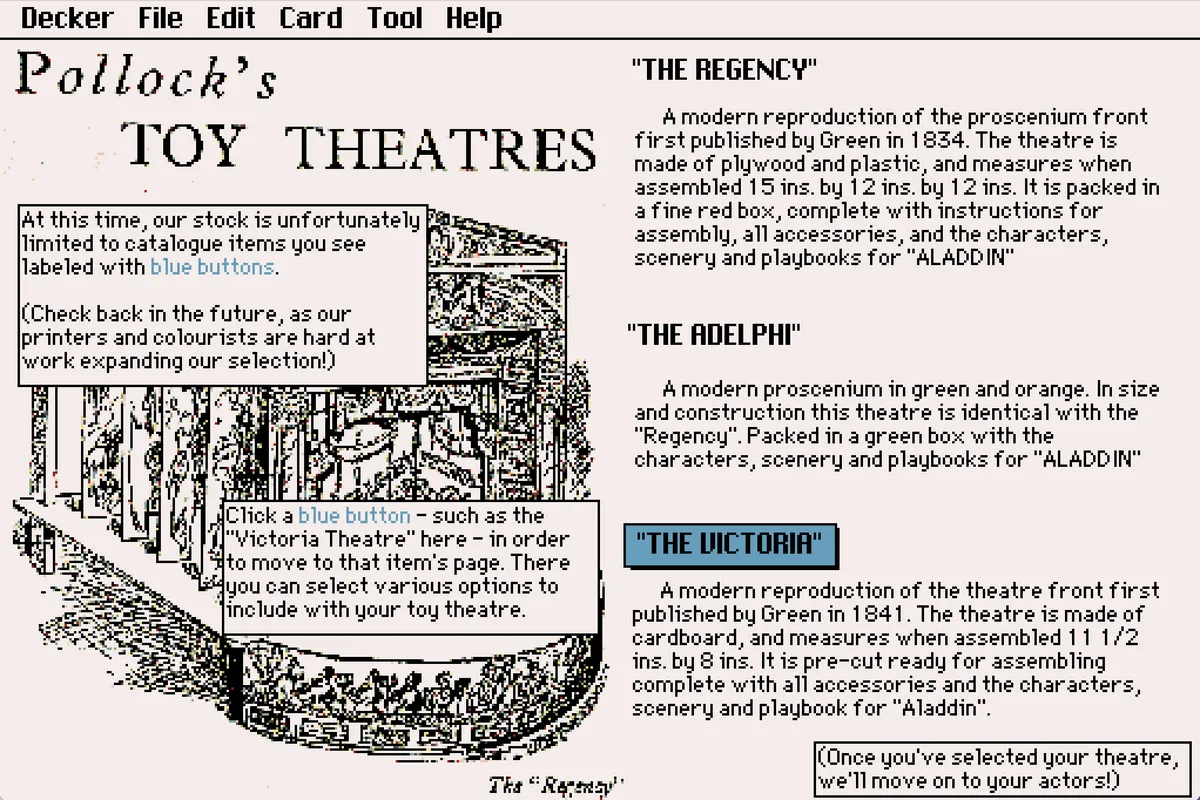
This first stage has been pretty straightforward--my main challenges have been figuring out how much of each catalogue page to cut and/or resize, as there's only so much real estate on a Decker card and the text can only get so small before it's wholly unreadable. Technically speaking, designing/programming this portion is mostly just establishing clearly hyperlinked paths through the various pages (something made conceptually much easier thanks to my previous Twine mapping).
The second stage, however, occurs after the player has navigated through the catalogue and selected their various assets. At this point, it feels integral that the player should be able to drag and arrange their actors and set pieces to their heart's content. After all, I'd like players to feel able to take some ownership over the final diorama-style scene that they come up with, and, at the very least, choosing the specific placement of their various actors feels like an integral part of that process.
At first, I thought that all of this could be handled quite easily through John Earnest's Puppeteer module, which, on the surface, seems like a perfect fit! It's literally aimed at creating a kind of puppet show, complete with staging, in Decker! I installed the module into my own deck and fiddled around with it for a while, and came up with some solutions that I quite like for choosing between various stage options. In the screenshots below, I give players the option to choose just how much of a proscenium background they'd like to include--once a player makes their choice, I utilize Puppeteer commands to preemptively "set up" the background of the card that hosts the deck's final scene.
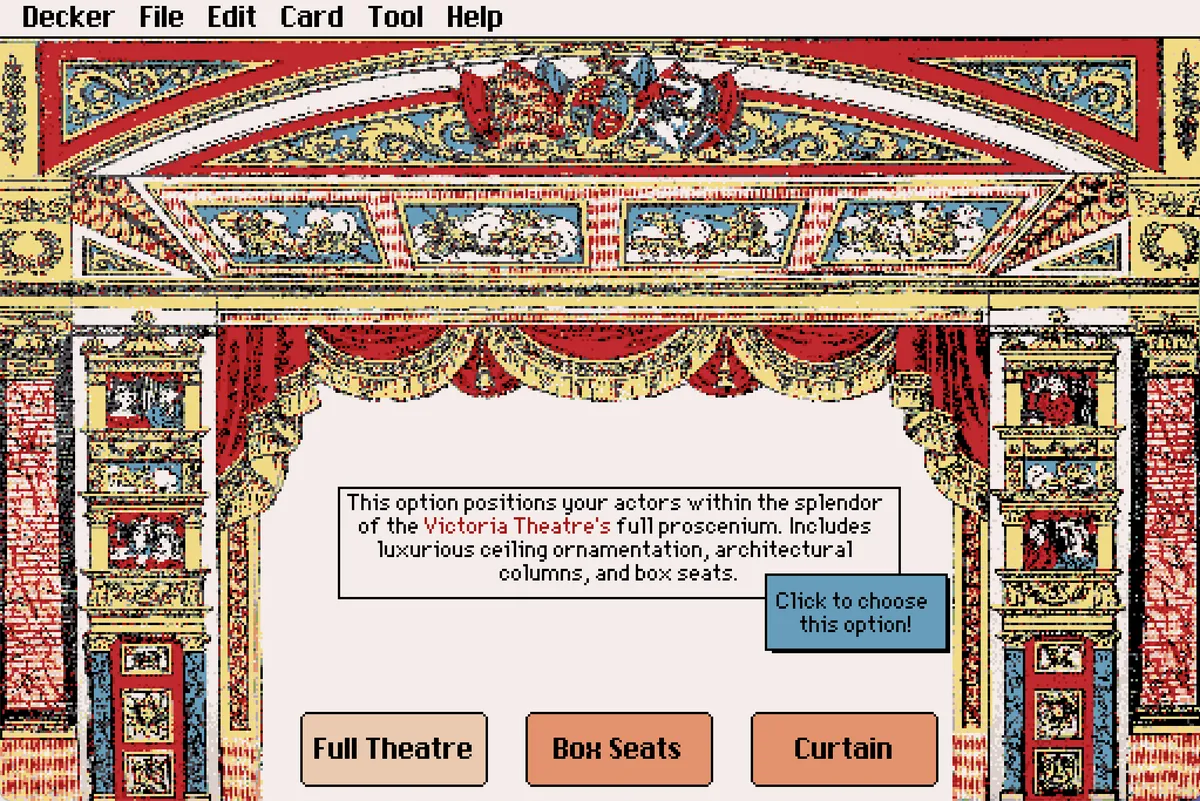
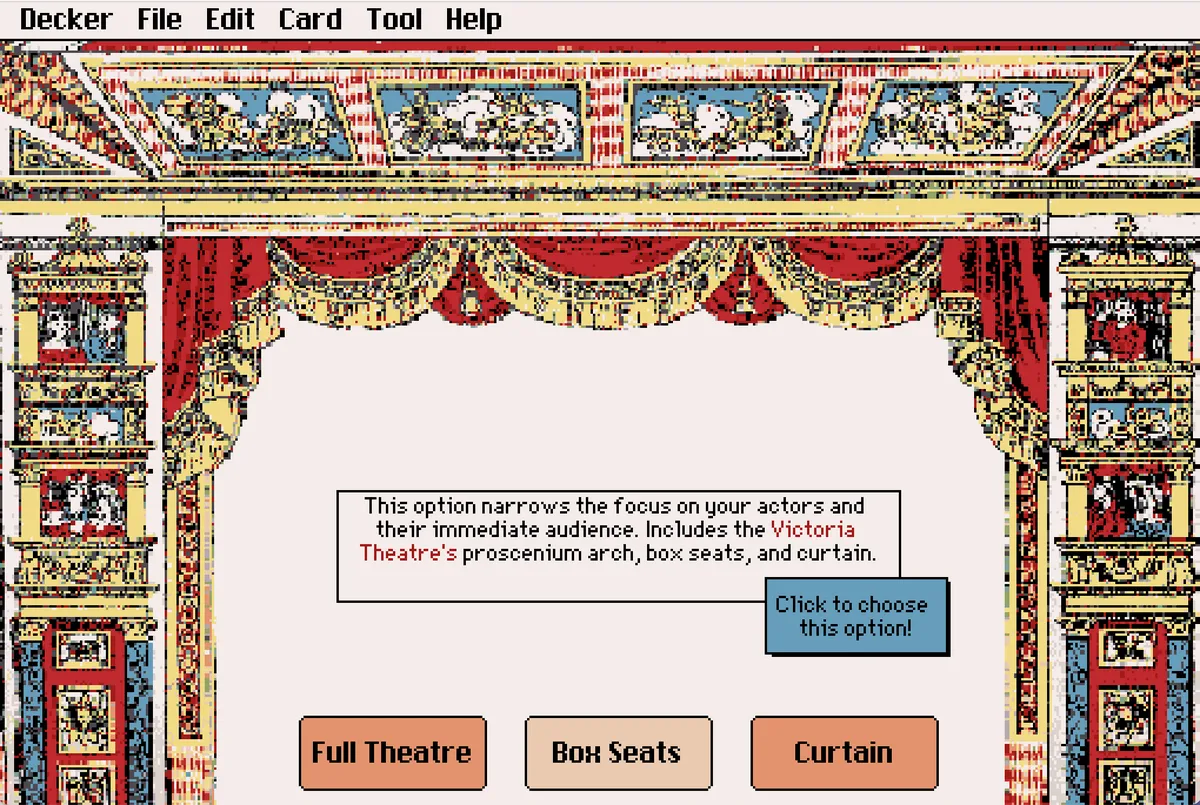
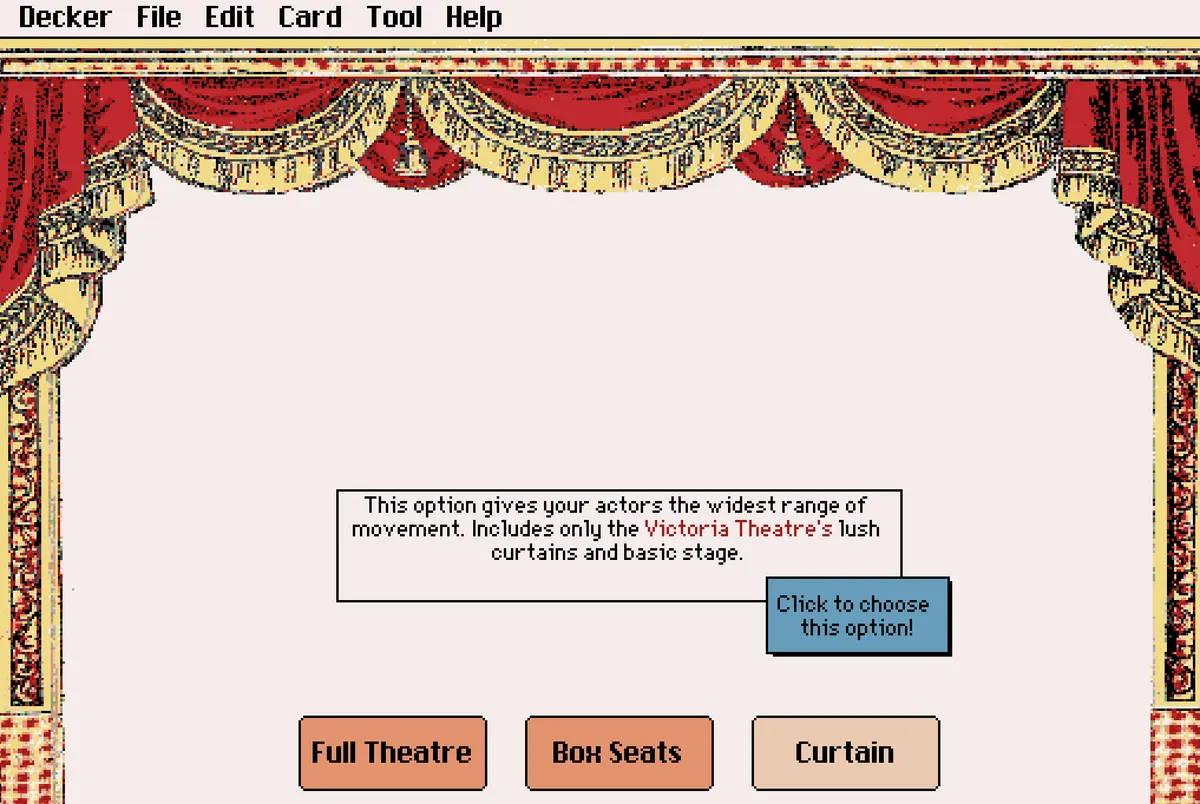
This final screenshot shows the Lil backend of the blue "Click to choose this option!" button, which triggers sending a puppet of the background image to a confirmation card and the FinalScene card, as well as ensuring that those backgrounds remain ordered behind anything else already set up on those cards.
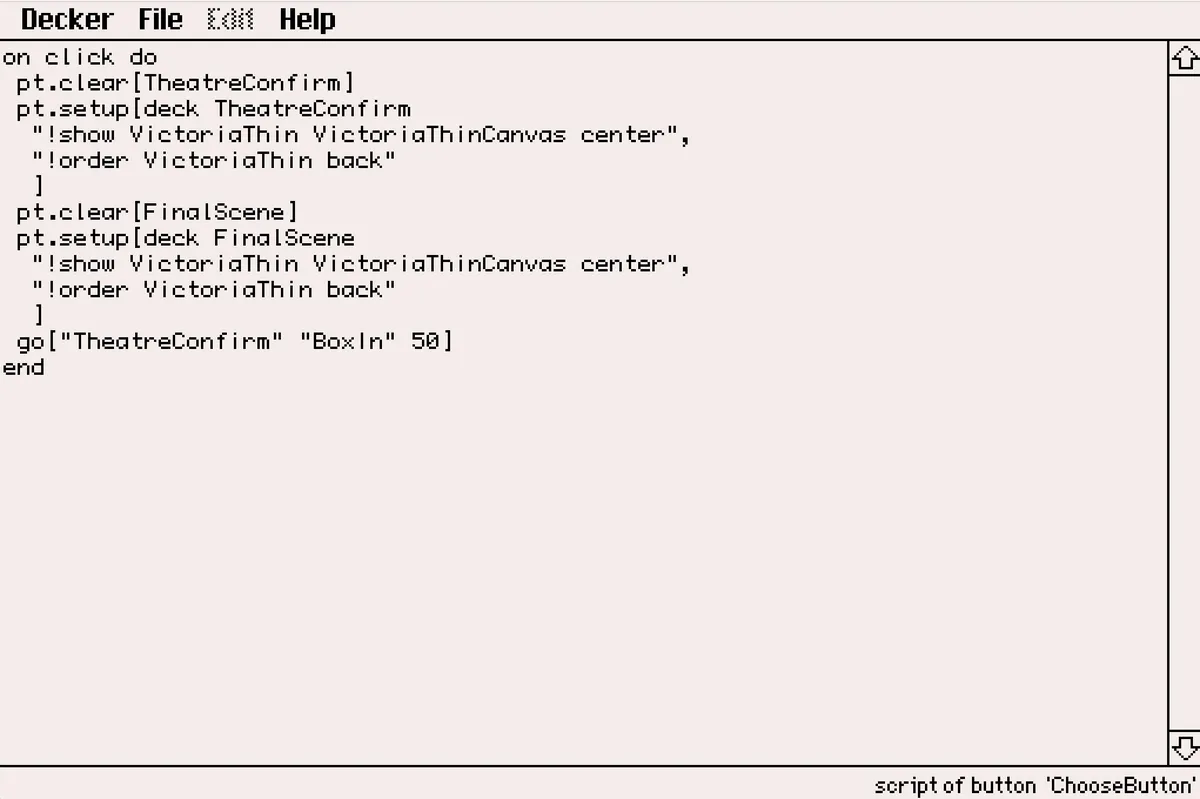
This works great! But I hit two big issues once I started using the Puppeteer commands for the actual stage actors--namely, that I needed to preemptively choose a location on the FinalScene card where the images of those actors would be pasted and I just can't figure out how to ensure that the new puppet of the image created on the FinalScene card is actually draggable for the player. And, as I mentioned before, it feels absolutely integral for the player to be able to drag their little actors around as much as possible.
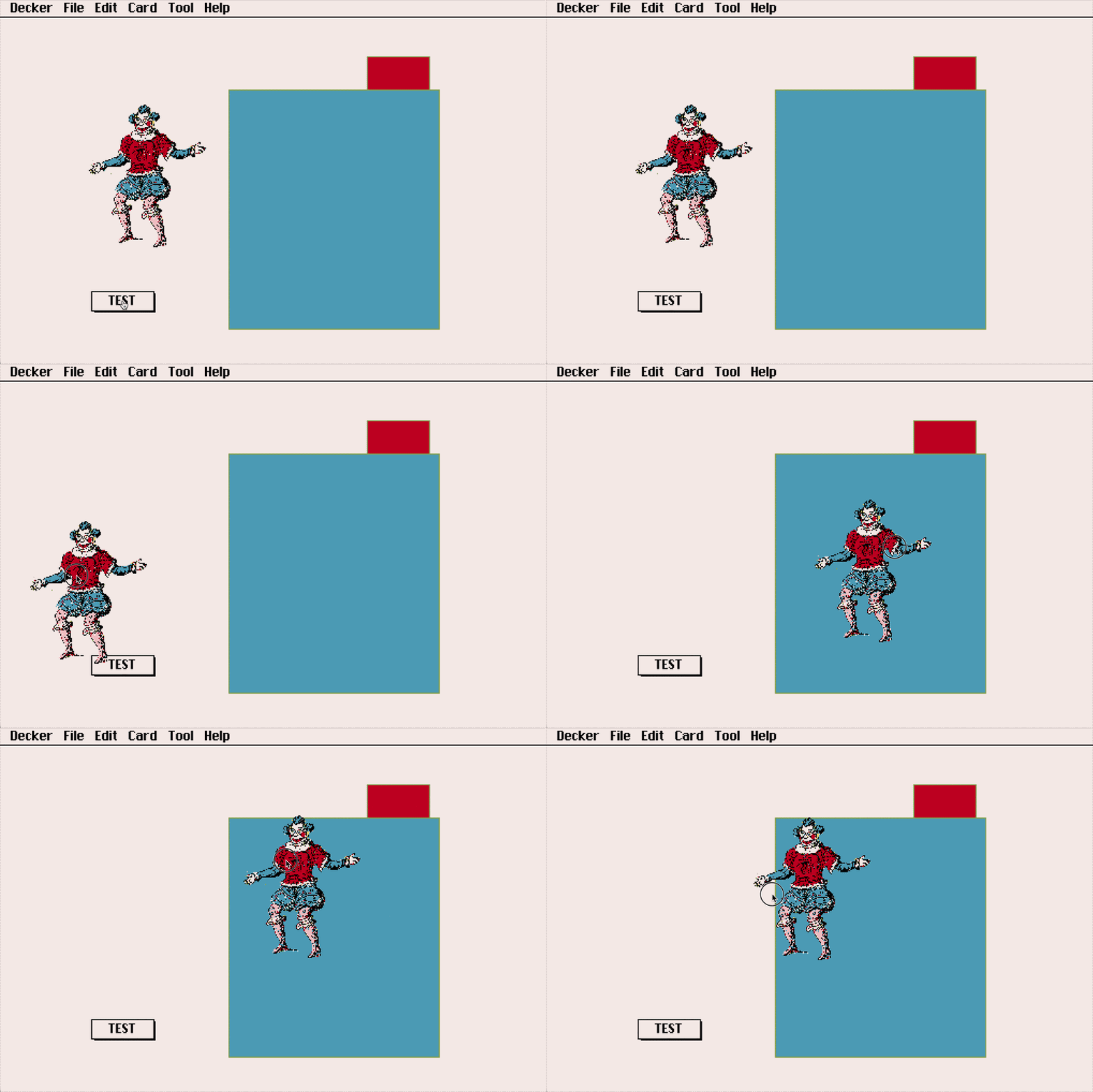
Ultimately, it seems like Puppeteer won't work quite well for my intentions for the actors, and I'll instead need to familiarize myself a bit more with the basic Lil mechanics for copy/pasting particular images while preserving transparent backgrounds and draggability. I'm not quite there yet, as I'm still figuring out how to get my assets to talk to one another across different cards within Decker. But I think I'm getting close. Here's a quick gif of one of my current test pages, where at the very least I have some good ol' fashioned draggability within a single card working as needed.